How to Sign Up IMO Without Phone Number (Easy Method)
How to Sign Up for IMO Account without a Phone Number
Introduction: The Real Problem Behind IMO Verification
Trying to create an IMO account but stuck at the phone number verification screen? You’re not alone. A lot of users hesitate at this exact step—not because they don’t want to use IMO, but because they don’t want to hand over their personal number.
Think about it. Your phone number is tied to your identity, your contacts, and often your privacy. Once you use it on platforms like IMO, you risk spam messages, unwanted exposure, and even tracking. That’s a big trade-off just to send a few messages or make calls.
So the real question becomes: Can you sign up IMO without phone number and still get full access?
Yes—and the process is easier than most people think.
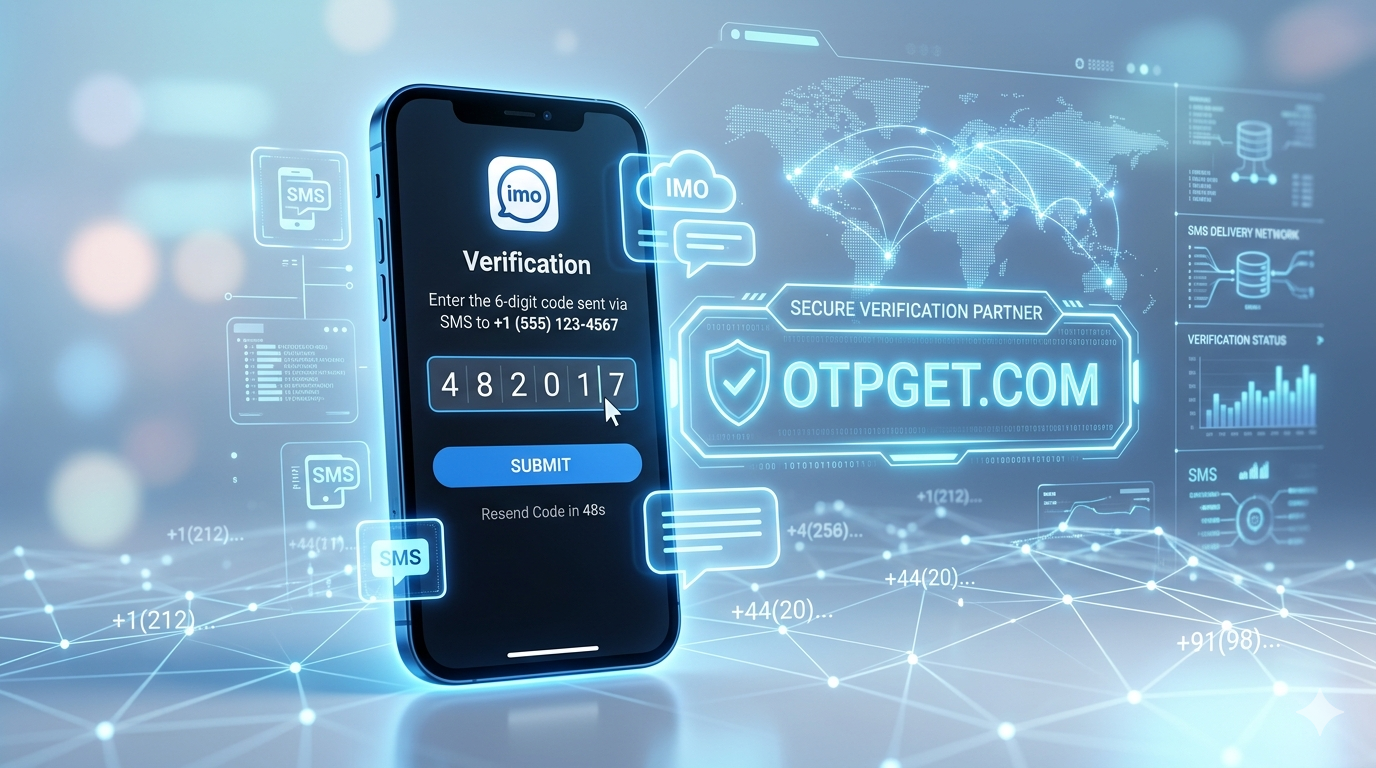
This is where OTPGET steps in as a practical solution. Instead of using your personal SIM, you can receive OTP online using a virtual number, keeping your real identity completely private while still passing IMO verification smoothly.
Let’s break it down step by step so you can get started without friction.
What is IMO and Why It Requires a Phone Number
IMO is a popular messaging and video calling app designed for fast, lightweight communication. It’s especially favored in regions where users want a simple alternative to heavier apps like WhatsApp or Messenger.
But like most communication apps, IMO requires a phone number during signup. Why?
There are a few reasons:
- User authentication: It ensures each account is tied to a unique identity
- Spam prevention: Limits fake accounts and bots
- Contact syncing: Helps users find people they already know
From a platform perspective, this makes sense. But from a user’s perspective, it creates a barrier—especially if privacy is a concern or if you don’t want to use your main number.
That’s where the idea of IMO verification without SIM becomes valuable.
Problems with Using Your Personal Number
Using your personal number might seem like the easiest option, but it comes with hidden downsides that many users only realize later.
1. Privacy Risks
Once your number is linked to IMO, it can be visible to others depending on your settings. Even worse, it may be stored or shared across services.
2. Spam & Unwanted Messages
Many users report receiving random calls or messages after registering on apps that require phone verification. Your number can end up in databases you never agreed to.
3. Tracking & Data Linking
Your phone number is often used to connect multiple accounts across platforms. That means less anonymity and more tracking.
4. Limited Account Flexibility
Want to create multiple IMO accounts? With a personal number, that becomes difficult or impossible without juggling SIM cards.
This is exactly why people look for ways to sign up IMO without phone number—not to break rules, but to maintain control over their digital footprint.
Can You Sign Up for IMO Without a Phone Number?
Here’s the honest answer:
Technically, IMO requires a number—but it doesn’t have to be your personal one.
That’s the key difference.
You don’t need to bypass the system in a risky way. Instead, you can use a temporary phone number for IMO that receives OTP codes just like a regular SIM.
This method is safe, widely used, and far more practical than trying unreliable “hacks” or modified apps.
So instead of asking how to bypass phone verification IMO, the smarter question is:
How can you complete verification without exposing your real number?
And that leads directly to the best solution available.
Best Solution: Use OTPGET for IMO Verification
If you want a smooth, reliable way to receive OTP online, OTPGET stands out as one of the most effective tools.
What is OTPGET?
OTPGET is an online service that provides virtual numbers for OTP verification. You can use these numbers to register on platforms like IMO without using your personal SIM.
Why OTPGET Works Better Than Other Options
There are plenty of free number services out there—but most of them are overcrowded, slow, or already blocked by apps like IMO.
OTPGET solves these problems by offering:
- Clean, active numbers
- Fast OTP delivery
- Multiple country options
- High success rate for verification
Instead of wasting time refreshing public number lists that never work, OTPGET gives you a direct, reliable path to IMO account creation.
And the best part? You stay completely anonymous.
Step-by-Step Guide to Create IMO Account Using OTPGET
Let’s walk through the exact process to sign up IMO without phone number using OTPGET.
Step 1: Go to OTPGET
Visit the OTPGET platform. The interface is simple and user-friendly, so you won’t get lost.
Step 2: Select a Country and Number
Choose a country based on availability. Some regions work better with IMO, so having multiple options increases success rates.
Step 3: Enter the Number in IMO
Open the IMO app and begin registration. Enter the virtual number you got from OTPGET.
Step 4: Receive OTP Online
Head back to OTPGET and wait for the OTP code to appear. This usually takes just a few seconds.
Step 5: Complete Registration
Enter the OTP into IMO, and you’re done. Your account is now active—no personal number required.
It’s that straightforward.
Key Benefits of Using OTPGET
Here’s why more users are choosing OTPGET for OTP verification online:
- Fast OTP Delivery
No long waiting times. Codes arrive almost instantly. - Multiple Countries Available
Increases compatibility with IMO verification systems. - Privacy Protection
Your real phone number stays completely hidden. - Easy to Use
No technical knowledge needed. The process is beginner-friendly. - Affordable and Free Options
You can start with minimal cost—or even explore a free virtual number for IMO if available.
This combination makes OTPGET one of the most practical tools for account creation.
Tips to Avoid Getting Blocked on IMO
Even when using a virtual number for IMO, there are smart practices you should follow to keep your account safe.
- Avoid sending bulk messages immediately after signup
- Don’t spam unknown contacts
- Use a stable internet connection
- Set up a profile (name, photo) to look authentic
- Avoid frequently logging in and out from different devices
IMO’s system looks for suspicious behavior—not just numbers. So acting like a normal user goes a long way.
Common Mistakes to Avoid
A lot of users run into issues not because the method doesn’t work—but because of small mistakes.
Using Overused Free Numbers
Public numbers are often flagged or banned. This leads to failed OTP delivery.
Entering Incorrect Country Codes
Even a small mismatch can prevent verification.
Waiting Too Long for OTP
Some codes expire quickly. Always act fast.
Using Low-Quality Services
Not all platforms are reliable. This is why OTPGET is recommended—it reduces failure points.
Avoid these mistakes, and your success rate increases significantly.
Conclusion: The Smart Way to Use IMO Without Your Number
Creating an IMO account doesn’t have to mean giving up your privacy.
With tools like OTPGET, you can sign up IMO without phone number, receive OTP verification online, and stay in control of your personal data.
It’s faster, safer, and far more flexible than relying on a physical SIM.
If you’ve been hesitating to create an IMO account because of verification concerns, this approach removes that barrier completely.
FAQs
Can I use IMO without a phone number?
You need a number for verification, but it doesn’t have to be your personal one. A virtual number from OTPGET works perfectly.
Is OTPGET safe to use?
Yes, OTPGET is designed specifically for OTP verification online. It helps protect your privacy by keeping your real number hidden.
Does IMO ban virtual numbers?
Not necessarily. High-quality virtual numbers like those from OTPGET usually work without issues if used properly.
How can I receive IMO OTP online?
You can use OTPGET to receive OTP codes instantly through a virtual number.
What’s the difference between free and paid virtual numbers?
Free numbers are often overused and unreliable. Paid options offer better success rates, faster OTP delivery, and improved privacy.