Blocked on Telegram? How to Recover & Use OTPGET Safely
Introduction: Why Telegram Accounts Get Blocked
Getting blocked on Telegram can feel frustrating, especially if you rely on the platform for work, business, or community interactions. One moment, everything works fine; the next, you’re locked out with little explanation. Beyond inconvenience, a ban can disconnect you from important contacts, halt group management, or affect income if you use Telegram professionally.
Telegram actively monitors accounts to keep the platform safe. Suspicious activity—whether intentional or accidental—can trigger a ban. Spam, bot usage, or frequent logins from multiple devices are common triggers.
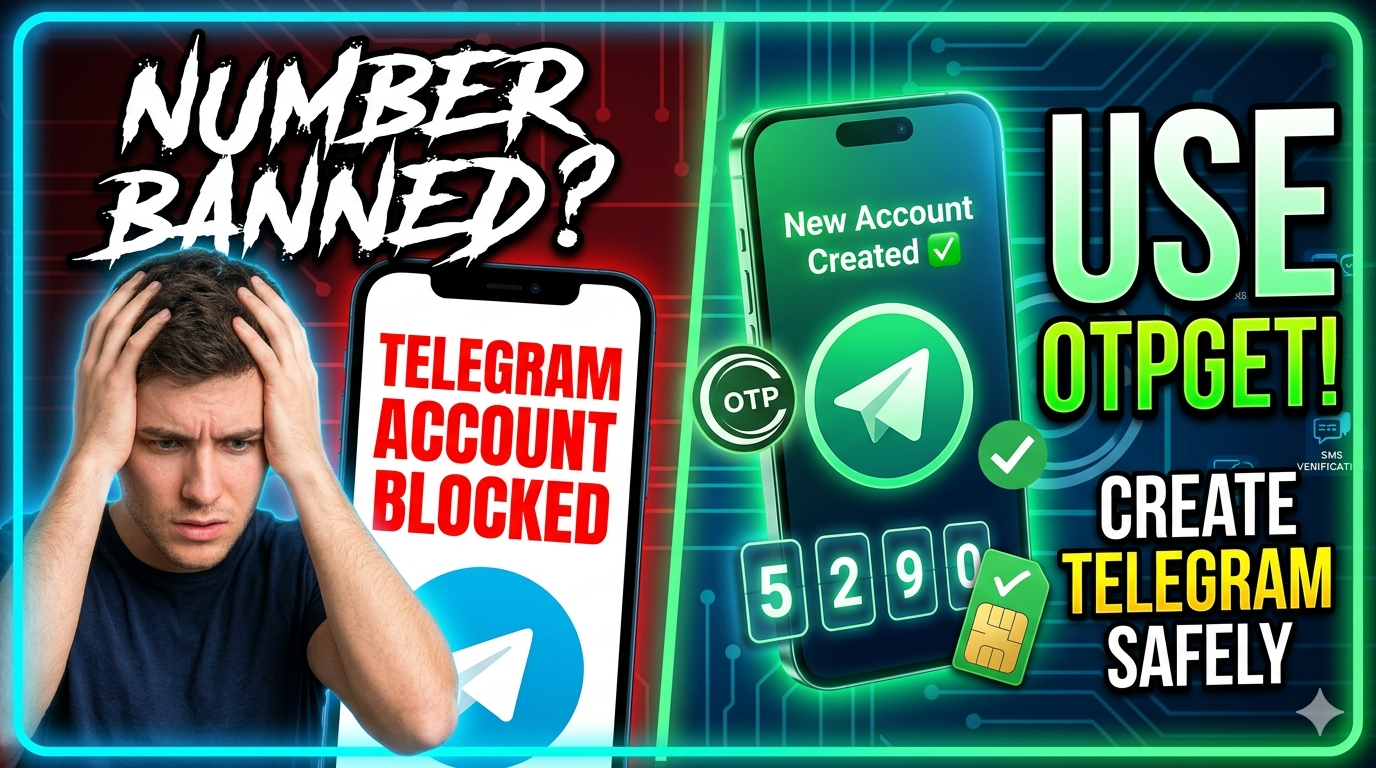
The good news is that a Telegram account banned situation doesn’t have to be permanent. Even if your original number is flagged, you can regain access safely. One of the easiest ways is by using a virtual number after your original number is banned, with OTPGET offering a secure, reliable solution. OTPGET allows you to create a new Telegram account without exposing your personal phone number, giving you peace of mind and uninterrupted access.
Common Reasons for Telegram Bans
Understanding why Telegram bans accounts is key to avoiding repeat issues.
1. Spam or aggressive messaging: Sending too many messages to unknown users or joining multiple groups quickly can trigger a ban. Telegram’s system flags patterns that resemble spam—even if your intentions are harmless.
2. Use of unofficial apps or bots: Third-party clients or automation tools might offer cool features, but they violate Telegram’s rules, putting your account at risk.
3. Multiple user reports: If several users report your messages or activity, Telegram may restrict your account. Even small misunderstandings can lead to reports in large groups.
4. Suspicious login behavior: Logging in from multiple devices or locations in a short time can look like an account hack, prompting Telegram to block your account for security.
5. Violating Telegram’s terms of service: Sharing prohibited content, links, or performing harmful actions can lead to immediate bans.
Being aware of these triggers helps you prevent future bans and know when using a solution like OTPGET is the safest way forward.
How to Check if Your Telegram Account is Blocked
Before taking any action, confirm whether your account is truly blocked.
- Login errors or restriction messages: If Telegram notifies you that your account is limited, banned, or temporarily restricted, you’re clearly affected.
- Messaging failures: Messages to new contacts may fail or never deliver.
- Group restrictions: You may find yourself unable to join channels or groups.
For additional clarity, Telegram’s @SpamBot can help check account restrictions and provide details on what caused the block. Knowing the type of ban helps determine whether you can appeal, wait it out, or create a new account safely.
Immediate Steps to Take After a Ban
Once you know your Telegram account is banned, avoid hasty actions that could worsen the situation, such as repeatedly attempting to log in or creating multiple accounts with the same number.
Here’s what to do:
- Contact Telegram Support: Submitting a clear appeal may help restore access if the ban is temporary. Keep explanations simple and honest.
- Review your recent activity: Identify potential triggers like bulk messages, joining many groups too quickly, or using bots.
- Decide on next steps: If the account is permanently banned, you may need a new number. This is where getting a virtual number after your original number is banned becomes essential.
Using a virtual number ensures you can continue using Telegram without risking your personal phone number being flagged again. Tools like OTPGET provide this safe, practical solution.
How OTPGET Helps You Bypass Telegram Phone Verification
Telegram requires phone number verification for account creation—a security measure that can become a barrier if your personal number is banned.
OTPGET Telegram solutions offer a simple fix. Here’s why it works:
- Virtual numbers for banned accounts: Even if your original number is blocked, OTPGET gives you a fresh virtual number to register a new account.
- Privacy protection: You don’t expose your personal phone number, keeping your identity safe.
- Instant OTP access: Receive verification codes quickly to complete Telegram registration.
This method is especially useful for users who rely heavily on Telegram for professional or community purposes. With OTPGET, creating a new account becomes hassle-free, secure, and private.
Step-by-Step Guide to Creating a New Telegram Account Using OTPGET
Here’s how to safely create a new Telegram account after your original number gets banned:
Step 1: Visit OTPGET
Go to the OTPGET platform and select a virtual number compatible with Telegram verification.
Step 2: Open Telegram App
Launch Telegram on your device and start the registration process.
Step 3: Enter Virtual Number
Instead of your personal number, input the virtual number provided by OTPGET.
Step 4: Retrieve OTP Code
Access OTPGET to get the verification code sent by Telegram, then enter it into the app.
Step 5: Complete Account Setup
Fill in your profile details, including name and picture. Avoid copying banned account information.
Step 6: Start Using Account Responsibly
Join groups gradually, send messages carefully, and avoid mass broadcasting to prevent triggering Telegram’s spam detection.
This step-by-step process ensures you can bypass Telegram phone verification safely, even if your original number was banned.
Tips for Preventing Future Telegram Bans
After creating a new account, protect it from future restrictions:
- Maintain natural activity patterns: Avoid sending messages to many strangers or joining too many groups at once.
- Avoid unofficial apps or bots: Stick to Telegram’s official app for safety.
- Follow Telegram guidelines: Sharing content responsibly keeps your account safe.
- Diversify numbers if managing multiple accounts: Using virtual numbers like OTPGET helps prevent new bans.
- Enable two-step verification: Adds an extra layer of security against suspicious logins.
By following these tips, you’ll reduce the risk of future Telegram bans and maintain uninterrupted access.
Conclusion: Stay Safe and Accessible on Telegram
Getting blocked on Telegram isn’t the end of the road. Understanding why your account was banned helps prevent repeat mistakes, while tools like OTPGET allow you to continue using Telegram safely.
If your original number is banned, OTPGET’s virtual number solution provides a secure way to create a new account without exposing personal information. It’s fast, reliable, and ensures you can keep communicating on Telegram without disruption.
By combining smart usage habits with OTPGET, you can stay connected, secure, and fully in control of your Telegram experience.
FAQs
1. Can I recover a permanently banned Telegram account?
Permanent bans usually cannot be recovered, though appeals to Telegram support may help in rare cases.
2. Can I use OTPGET if my original number is banned?
Yes. OTPGET provides virtual numbers specifically to create new Telegram accounts after your original number is blocked.
3. Is using OTPGET safe?
Absolutely. OTPGET ensures privacy and secure OTP delivery without exposing your personal number.
4. Can I prevent future bans on Telegram?
Yes. Maintain natural activity, avoid spam, use official apps, and follow Telegram guidelines to protect your account.
5. How do I create multiple accounts without risking bans?
Use virtual numbers from OTPGET, space out your activity, and avoid repetitive spam-like behavior.
🛠️ The customizable workspace for article writers
Need more articles? Try my Fully Customizable Article Writer featuring Bulk Generation, an advanced AI Editor, and a built-in AI Humanizer all in one powerful dashboard!
👉 Try Pro Article Writer (Free) — Generate, Edit, and Humanize at scale.
⭐ If this GPT helped you, please leave a rating on the GPT Store!
Explore more on my Patreon.